
Where Car People Find Their People
The Car Community
Share your builds, follow other enthusiasts, talk shop, and stay connected with your car club — all in one place that’s built around cars, not ads and algorithms. RumbleSeat gives you a personal feed, built-in messaging, and a profile that showcases your garage and your club activity. Whether you’re keeping up with friends, coordinating with your club, or connecting with collectors across the country — this is where the car community lives.
Everything You Need to Stay Connected
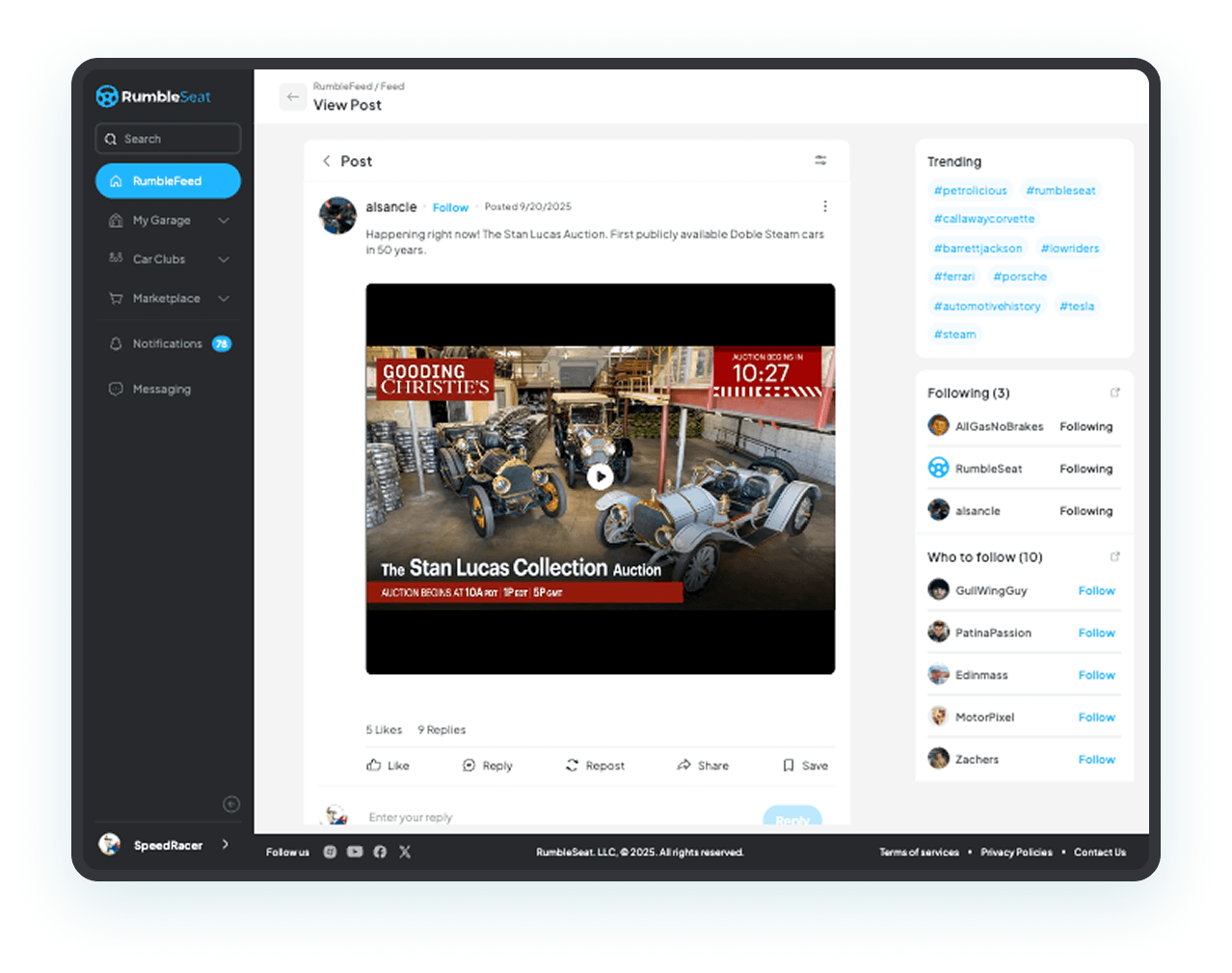
Share with RumblePosts
Post updates, photos, videos, and links to your feed — and share them with your club, your friends, or the entire RumbleSeat community. It’s your content, your audience, your choice.
- Share photos, videos, links, and updates with your club, your friends, or the broader RumbleSeat community.
- Your personal feed shows posts from the clubs and enthusiasts you follow — no algorithm deciding what you see.
- Save posts to revisit later — helpful for build ideas, event info, or anything you want to come back to.
- Club admins can post announcements and updates directly to their club’s feed — reaching every member instantly.
- Get notified about new posts, event updates, and activity from the people and clubs you follow.
A feed built around cars — not ads, not algorithms, not noise. Just the stuff you actually care about.
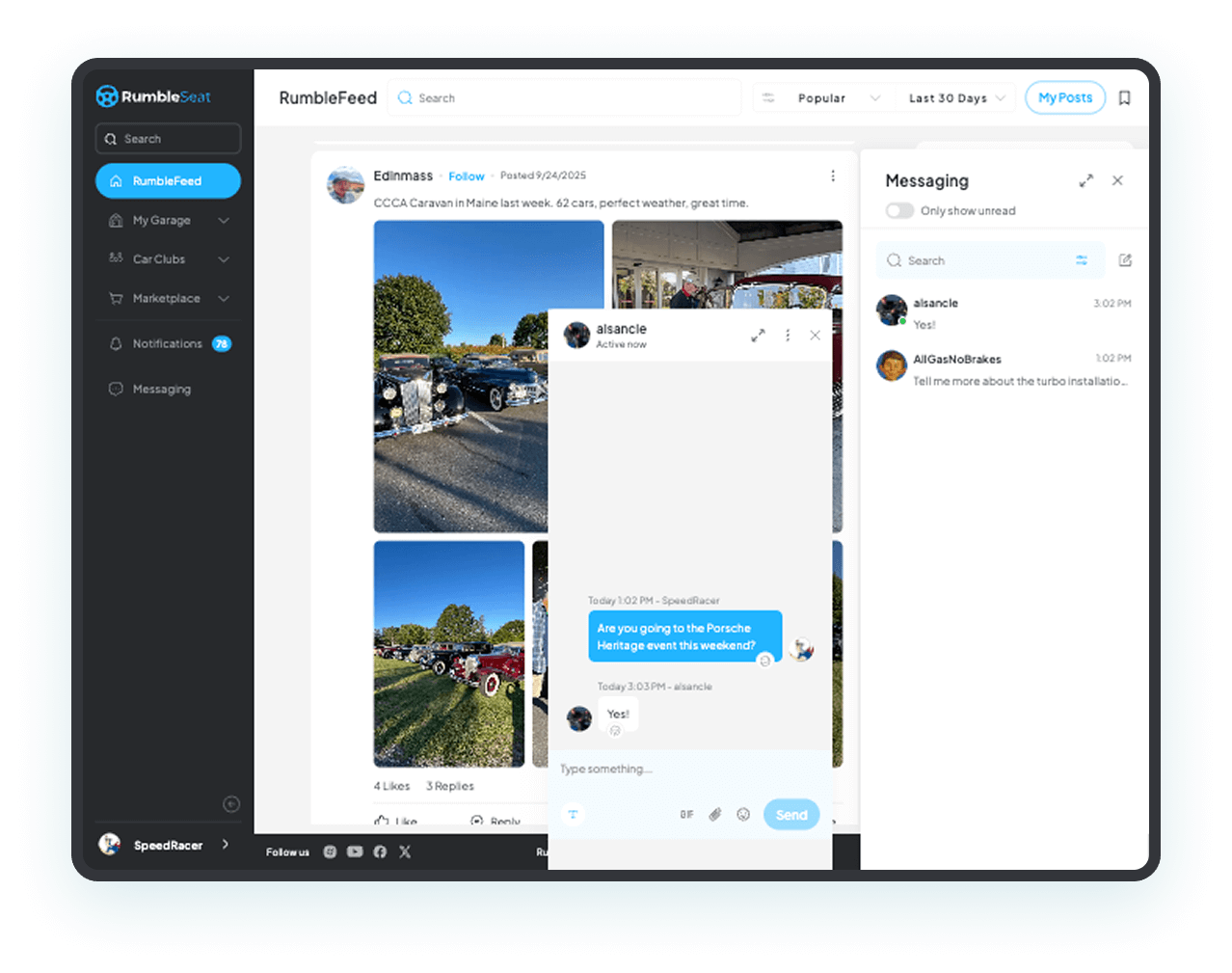
Built-In Messaging
Message anyone on RumbleSeat — one-on-one, in groups, or across your entire club. It’s private, secure, and built right into the platform. No need for a separate app or group chat.
- Send one-on-one or group messages to anyone on RumbleSeat — friends, club members, or buyers and sellers.
- Create group conversations around any topic — a restoration project, an upcoming event, a parts hunt, or just car talk.
- Share photos, videos, links, and files directly in your conversations.
- Message Marketplace buyers and sellers directly — keep the conversation on RumbleSeat instead of sharing personal contact info.
- Club admins can message all members at once — perfect for announcements, event reminders, or last-minute changes.
One messaging tool for everything — club announcements, deal negotiations, event coordination, or just talking cars with friends.
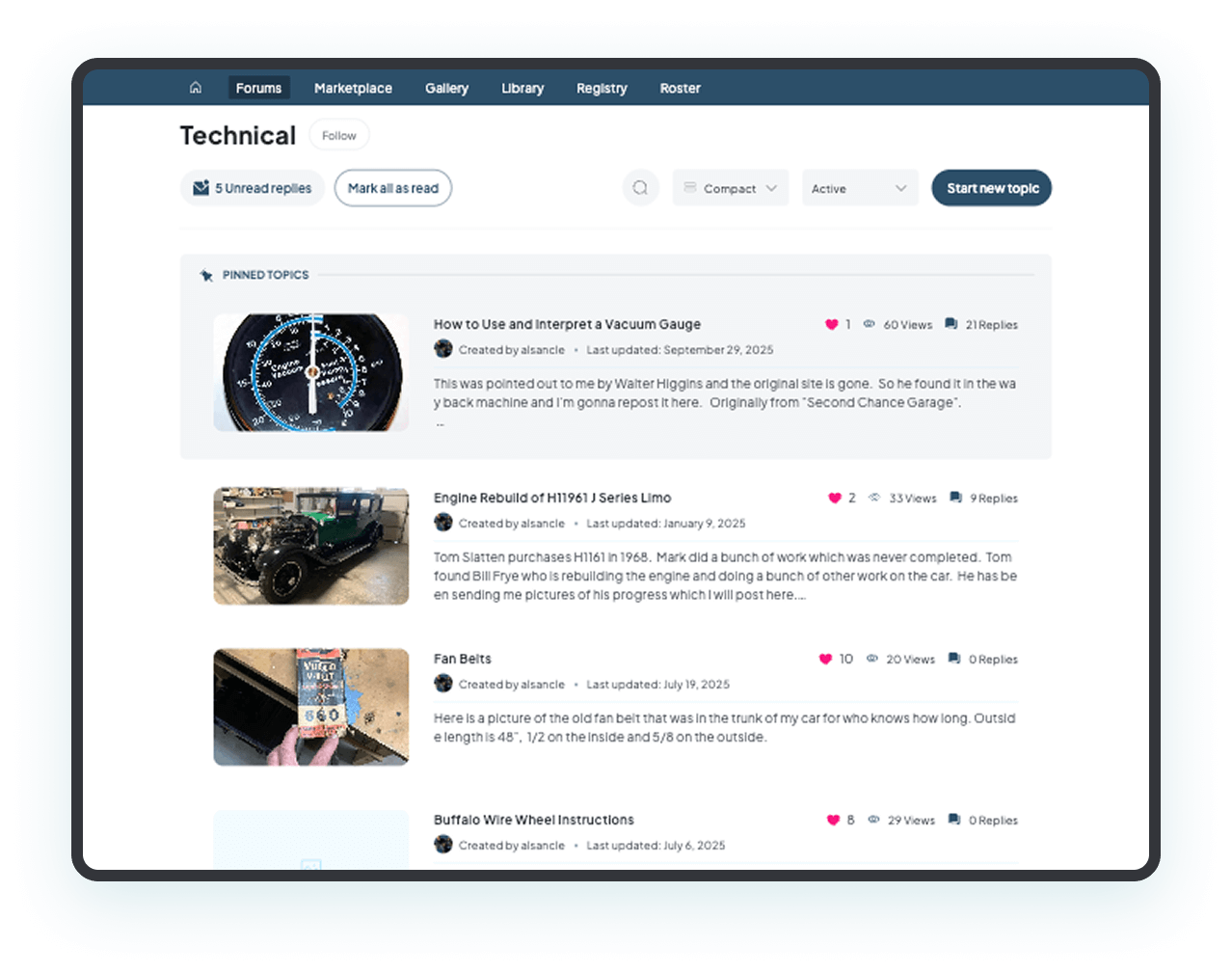
Comments & Conversations
Join the conversation wherever it’s happening — on forum threads, marketplace listings, photo galleries, and club posts. RumbleSeat’s commenting is built in everywhere, so discussions stay connected to the content that sparked them.
- Comment on forum posts, marketplace listings, photo galleries, and club updates — all from one platform.
- Ask questions on a listing, share advice in a forum thread, or congratulate a member on a new addition to their garage.
- Comments on classified and auction listings keep conversations public — helping sellers answer common questions once for everyone.
- React to club photos, share your thoughts on a member’s build progress, or weigh in on event planning threads.
- Every conversation stays attached to the content it started on — so useful threads and answers don’t disappear into email or group chats.
The best conversations happen when they’re tied to something real — a car, a listing, a photo, an event. RumbleSeat keeps them there.
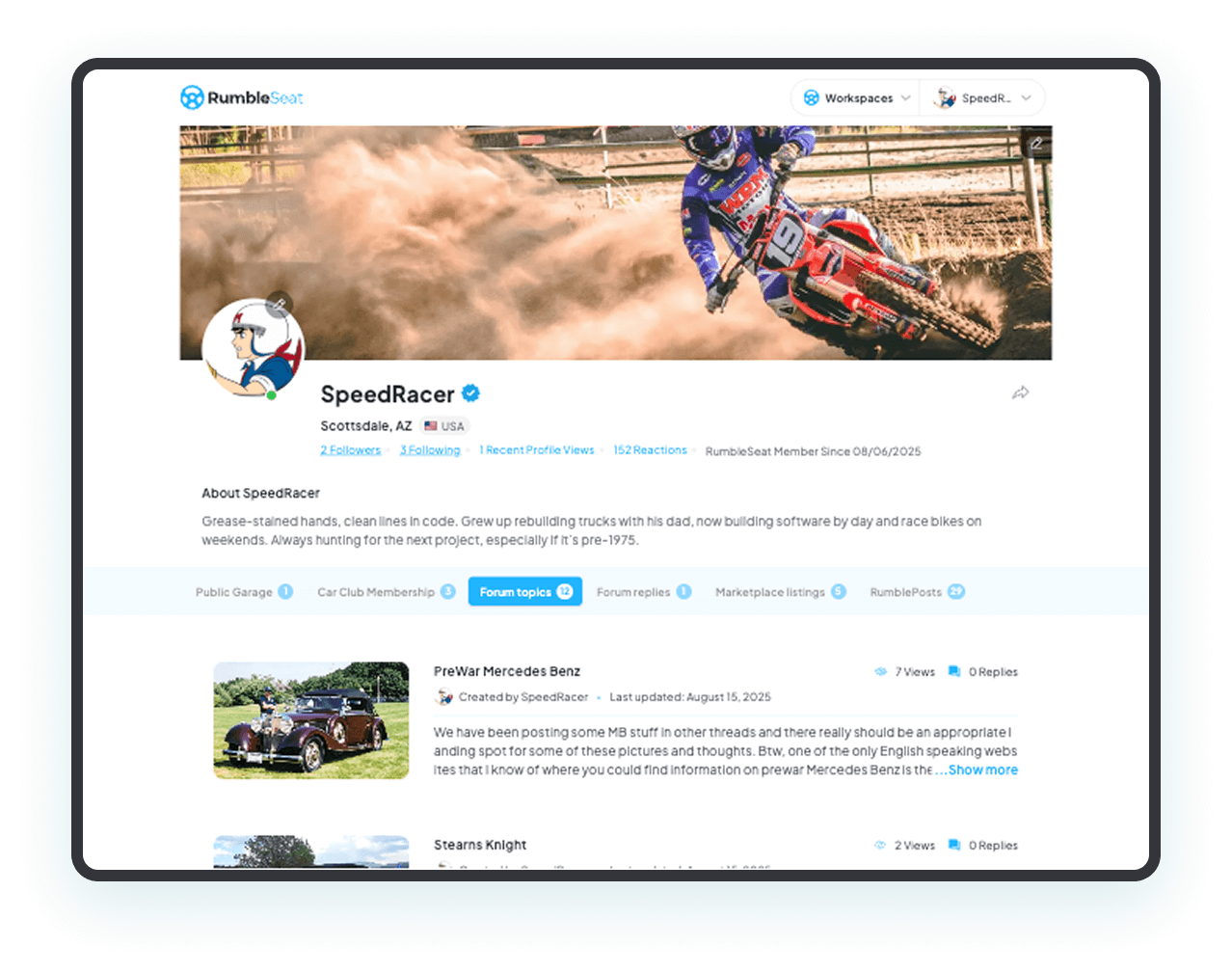
Your Profile
Your profile is your identity on RumbleSeat — it shows other enthusiasts who you are, what you drive, and which clubs you belong to. You decide what’s public and what stays private.
- Full control over what’s visible on your profile — show as much or as little as you want.
- Display your public garage so other enthusiasts can see your vehicles, builds, and collection.
- Show your car club memberships and affiliations — so people know where you belong in the community.
- Your forum activity and community contributions are visible on your profile — building your reputation over time.
Your cars, your clubs, your community — all in one profile. It’s your story on RumbleSeat.
Frequently Asked Questions
RumbleSeat gives you a personal feed where you follow the clubs and enthusiasts you care about, built-in messaging for one-on-one and group conversations, and a profile that showcases your garage and club activity. You can post updates, photos, and videos, comment on listings and forum threads, and message anyone on the platform — all without switching to a separate app.
Yes. Club administrators can send messages to individual members or the entire club at once — perfect for announcements, event reminders, or last-minute changes. Members can also message each other directly or in group conversations. Everything stays on RumbleSeat, so club communication isn’t scattered across text chains and email.
A RumblePost is an update you share with your feed — it can include text, photos, videos, or links. You choose who sees it: just your friends, your club members, or the entire RumbleSeat community. Club admins can also create RumblePosts on behalf of their club to share announcements and updates with all members at once.
Yes. You control exactly what appears on your public profile — including which vehicles from your garage are visible, which club memberships are displayed, and how much of your activity is shown. You can share as much or as little as you want.
Your personal feed shows posts and updates from the clubs and enthusiasts you follow. There’s no algorithm rearranging things — you see content in the order it’s posted. You also get notifications for new messages, comments on your posts, event updates, and activity from your clubs.
Yes. Messages are private between you and your recipients. Your profile privacy settings let you control what’s visible to the public versus club members versus only you. RumbleSeat is hosted on Microsoft Azure with enterprise-grade encryption, and you’re always in control of your data.