Give the Gift of Membership: Your Members Can Now Recruit With a Gift
Every club has a few members who bring people in. They're the ones who drag a neighbor to cruise night, hand out the club's card at a show, and talk a coworker into finally getting the old Mustang running again. Those members are your best recruiters. Starting today, they have a new way to do it.
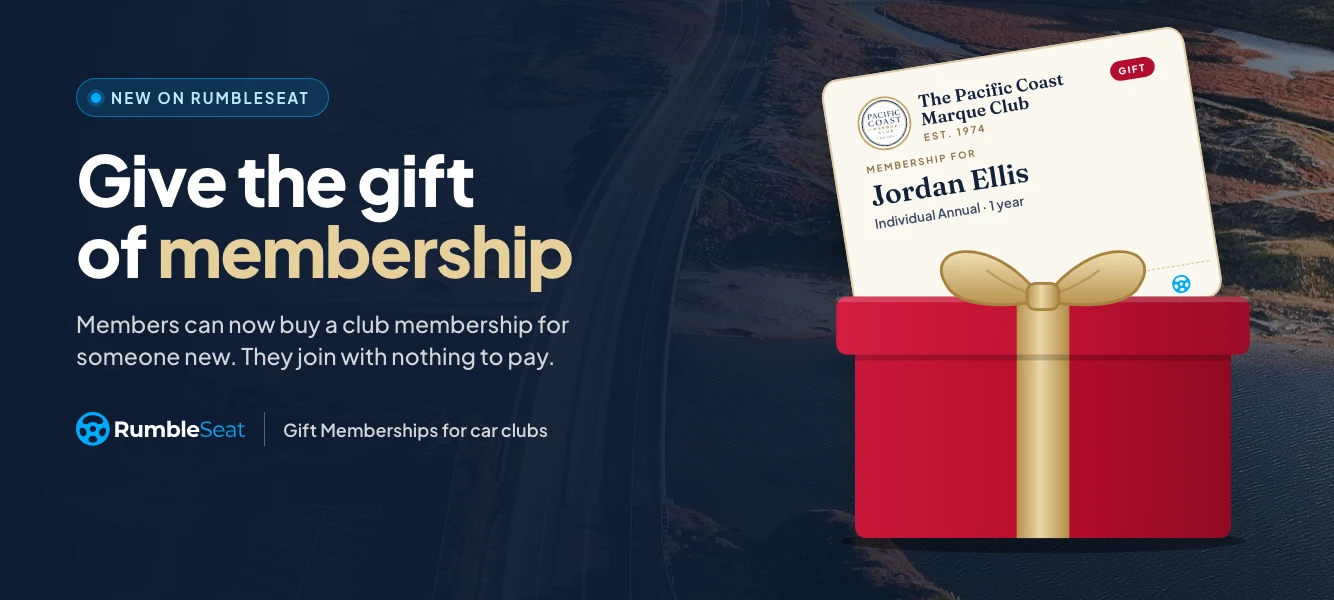
With Gift Memberships on RumbleSeat, any active member can buy a membership for someone who isn't in the club yet. The recipient gets an email with a personal note, clicks a link, and joins. They pay nothing for their membership, and their year starts the day they claim it.
Gift Memberships is live now for every club on RumbleSeat.
Why gifts are a recruiting tool
Most clubs grow by word of mouth. A gift turns that word of mouth into a real invitation, with the hardest part already handled: the dues are paid.
That changes the conversation. "You should join my club" is easy to put off. "I got you a membership" is hard to say no to. And the new member arrives already connected to someone who loves the club, which is exactly the kind of member who sticks around. For more ways to turn enthusiasm into sign-ups, see our guide to growing your car club's membership.
Gifts are only for people who are new to the club. A current member can't receive one, so every gift is a potential new name on your roster.
How it works
Three people are involved, and each one has a simple job.
The club admin turns it on. Choose which paid plans members can give, flip one switch per plan, and save. Nothing changes on your site until you do.
A member gives the gift. They pick a plan, enter the recipient's name and email, and add a personal note of up to 500 characters. They can send it right away or pick a date, such as a birthday or the holidays, and the email goes out that morning. They can include their name or give anonymously.
The recipient claims it. They open the email, click the link, and sign in or create a free RumbleSeat account. If your club asks membership questions, they answer them. Then they're in. The membership is active right away, with no payment step for the plan.
If your club approves every new member, gift recipients skip that step. The giver's gift is the introduction.
Built into your club's site
You don't need to build a landing page or send members a special link. Once a plan can be given, "Give a membership" shows up where members already are:
- the member portal, with a card at the top of the Manage membership page
- the account menu, right after "Manage membership"
- the donate page, beside the donation form
- the welcome screen new members see right after they join
- an optional Gift Membership section on your homepage
The homepage section is off by default. Turn it on, pick a slim banner or a larger feature layout, and write your own heading and button, or keep the defaults. You can also set it to show only between two dates, which makes it easy to run a holiday gift season without remembering to take it down in January.
Prefer to share a link? The give page lives at /give on your club site, so you can drop it into a newsletter, an announcement or a menu.
The club stays in control
Admins see every gift on a new Gifts tab under Members: who bought it, who it's for, the plan, and whether it's been claimed. A summary line shows how many gifts were bought and claimed.
For any gift that hasn't been claimed yet, an admin can:
- resend the email
- copy the claim link to send it another way, such as a text
- change the recipient, for example to fix a mistyped email address
- cancel and refund the giver in full
Unclaimed gifts get a gentle reminder about once a week, up to three times. Givers get a receipt, and a note when their gift is claimed, so nobody has to chase anyone.
A holiday campaign that runs itself
The holidays are the natural season for gifts, and they're only a few weeks away. Here's a simple plan:
- Turn on gifting for your main membership plan.
- Turn on the homepage Gift Membership section, set to show from mid-November through the end of December.
- Mention it in your next newsletter with a link to yourclub.org/give.
- Remind members that they can schedule the gift to arrive on a specific day, like December 25.
Because the membership term starts when the gift is claimed, a gift bought in November and opened in January still gets a full year.
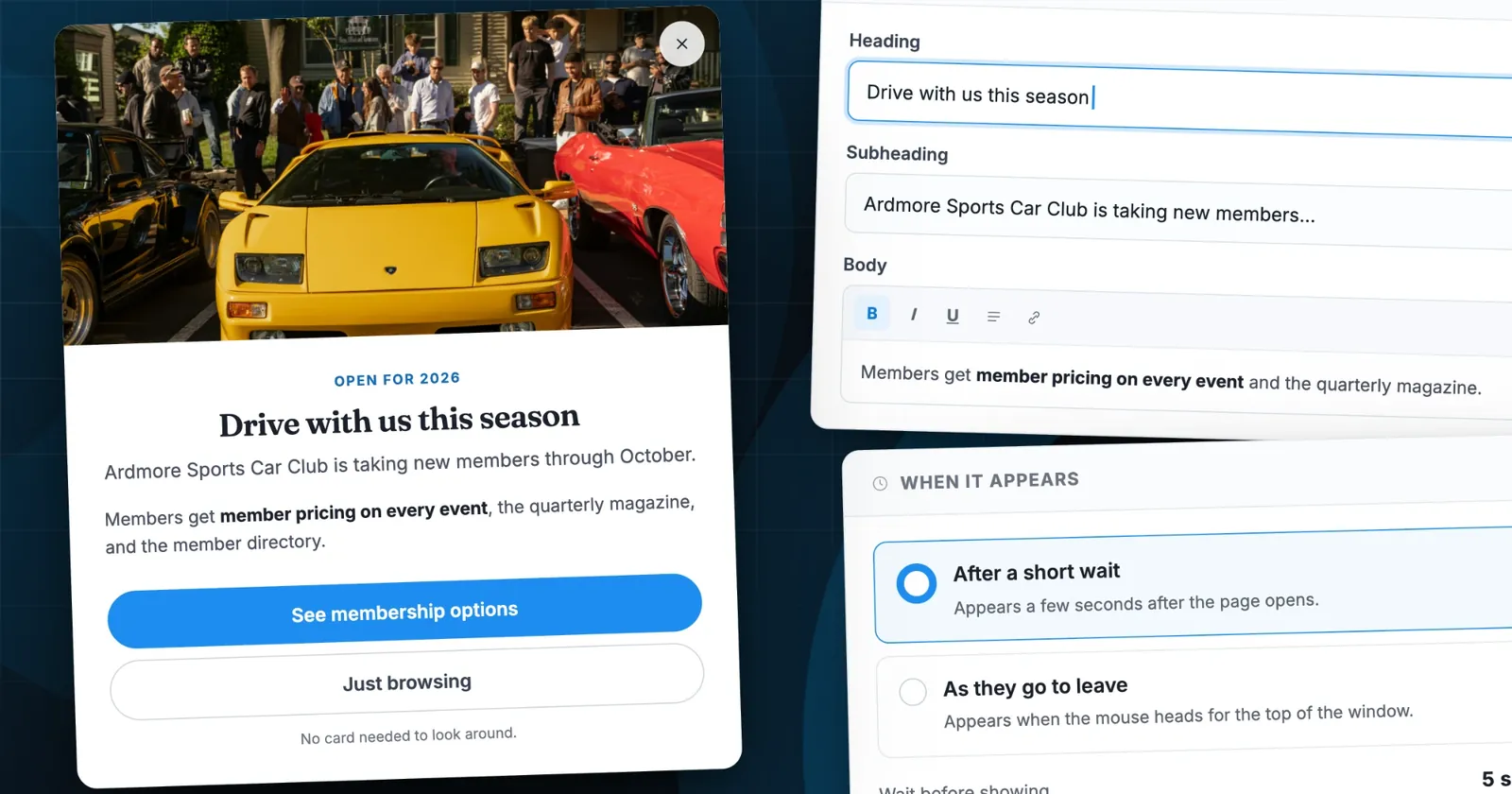
Want the gift offer in front of every visitor during the season? Pair it with a club pop-up that links to your give page. And for the rest of your membership drive, our free car club tools cover everything from bylaws to event checklists.
Copy for your club's own newsletter or homepage: "Know someone who belongs in the club? Give them a membership. They'll get an email with your note and a link to join, with nothing to pay."
Get started
Gift Memberships is ready in your Admin panel now. Go to Management → Membership, edit a plan, and turn on Members can give this as a gift. That's it.
Your members already know who belongs in the club. Give them an easy way to bring those people in.
New to RumbleSeat? Set up your club on RumbleSeat, or start with our guide on how to start a car club.
Powered by RumbleSeat — the all-in-one platform for car clubs, digital garages, and the automotive marketplace.
Start your club